Fonts
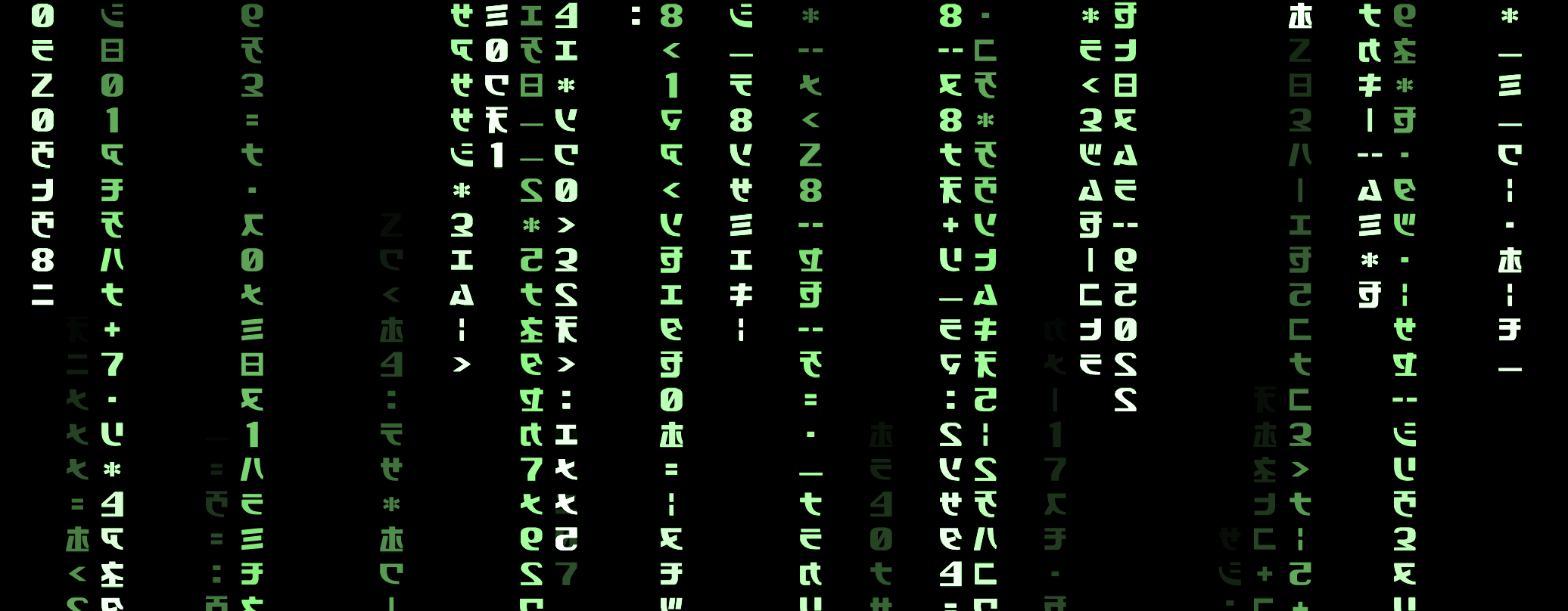
How can I use custom fonts in Easel?
In this example, we will use custom fonts to make the "green rain" effect from the Matrix, where text falls down the screen in a green color.
See Fonts for a broader overview of how fonts work in Easel.
Step 1: Add a custom font to your game
Step 1a: Add the font files to your project
Our Matrix font comes as a Matrix-Code.ttf file. We are adding it under a folder called matrix-font
so we can include the original MIT license file next to it as well.
You can find free fonts on websites like Google Fonts.
Step 1b: Declare the font
We will declare our font using the name Font:Matrix,
to match the naming convention of built-in defaults like Font:Body.
Declare the font in your game using the pub font statement, like this:
pub font Font:Matrix(regular=@Matrix-Code.ttf)
Our font only has a regular font face, so we only declare regular.
You can also declare bold, italic, and boldItalic font faces if your font has them.
Step 2: Use the font in your game
The TextSprite function takes a font parameter
that you can use to specify which font to use when rendering text.
Use this to render text in your custom font, like this:
pub fn glyph.Glyph(pos=) {
    // ...

    on Paint {
        let age = (Tick - birth)
        let proportion = 1 - (age / MaxGlyphAge)
        if proportion <= 0 { Expire }

        TextSprite(
            text=Glyphs[GlyphIndex % Glyphs.Length],
            color=proportion.Mix(#000, #0f0), radius=, shine=proportion,
            font=Font:Matrix,
        )
    }
}
Various UI elements also take a font parameter,
for example Button, Panel and VStack.
Step 3: Make the font your default font
In this example, it doesn't make sense for us to use the matrix font as the default font because it's not very readable. But if this is what we wanted to do, the code would look like this:
pub const Font:Heading = Font:Matrix
pub const Font:Body = Font:Matrix
This would make the matrix font the default font for all headings and body text in your game. You can choose to set only one of these constants if you want to change the default font for only headings or body text.
Full Code Listing
See Fonts for a broader overview of how fonts work in Easel.
pub font Font:Matrix(regular=@Matrix-Code.ttf)

pub const Glyphs = "モエヤキオカ7ケサスz152ヨタワ4ネヌナ98ヒ0ホア3ウセ¦:꞊ミラリ╌ツテニハソ▪—<>0|+*コシマムメ".Split("")

pub const GlyphRadius = 1
pub const GlyphSize = 2*GlyphRadius

pub const BoundaryHalfWidth=64
pub const BoundaryHalfHeight=36

pub const NumRows = BoundaryHalfHeight / GlyphRadius
pub const NumCols = BoundaryHalfWidth / GlyphRadius

pub game fn World.Main() {
    Camera(@(0, 0), radius=@(BoundaryHalfWidth, BoundaryHalfHeight))

    for col in Range(0, NumCols) {
        Spawn unit {
            GlyphStream(col=)
        }
    }
}

pub fn unit.GlyphStream(col) {
    let x = (col - 0.5*NumCols) * GlyphSize
    on Paint(10s*Random) {
        let fallInterval = 0.05s + 0.1s * Random
        for row in Range(0, NumRows) {
            let y = (row - 0.5*NumRows) * GlyphSize
            Spawn glyph { Glyph(pos=@(x, y)) }
            await Tick(fallInterval)
        }
    }
}

pub prop glyph.GlyphIndex = 0
pub fn glyph.Glyph(pos=) {
    const MaxGlyphAge = 3s
    const GlyphInterval = 0.5s

    use body=this, luminous=1
    let radius=GlyphRadius
    let birth = Tick

    Body(pos=, immovable=true)

    GlyphIndex = Floor(Random * Glyphs.Length)
    with Tick(0.5s) {
        GlyphIndex += 1
    }

    on Paint {
        let age = (Tick - birth)
        let proportion = 1 - (age / MaxGlyphAge)
        if proportion <= 0 { Expire }

        TextSprite(
            text=Glyphs[GlyphIndex % Glyphs.Length],
            color=proportion.Mix(#000, #0f0), radius=, shine=proportion,
            font=Font:Matrix,
        )
    }
}