Hotspots and Nine Slicing (July 2026 update)

Hotspots, nine slicing, fonts and more! Keep reading to find out what's new in Easel in July 2026.
Easel is a programming language that makes your game multiplayer automatically! Intrigued? Visit our home page to learn more.
Examples
The new Examples section of the Easel documentation is a compendium of common patterns that you can use in your own Easel games. It is intended to be a library of how to do things the Easel way, so you don't have to reinvent the wheel, cart, horse and chariots of fire all by yourself. Learn from them, be inspired, and use them!
Hotspots
The new Hotspots feature lets you define interactive areas in your game world that players can click, tap or hover over. Here are just some of the things you can do with hotspots:
- Make a game where pirates collect their spoils by clicking on a treasure chest.
- Tell the player how many rabbits they have left to catch when they hover over their "Can I come home yet, please?" button
- Make Pandora's Box open when players click on it. If they dare.
Why are hotspots better than what you could make before by yourself?
- Lag free: When you hover over a hotspot, it changes the mouse cursor and makes the sprites glow or expand (using a Strobe) to invite the player to interact with them. This happens with zero latency. Because Easel is an automatic multiplayer engine, if you coded this yourself, there may be a delay between hover and effect due to the network latency.
- Multiple cameras: Easel only sends the position of the Pointer in the main camera over the network because sending it for all cameras would be more bandwidth-intensive and would not be necessary for most games. For this reason, it is not really possible to code clickable buttons yourself in secondary cameras (like in a minimap, heads up display or inventory screen camera). Hotspots let you detect clicks in every camera.
- Z-order: Hotspots follow the same layering and Y-sorting rules as other sprites in your game, so when multiple hotspots overlap, you can be sure that the correct one was clicked on without having to calculate the z-order yourself.
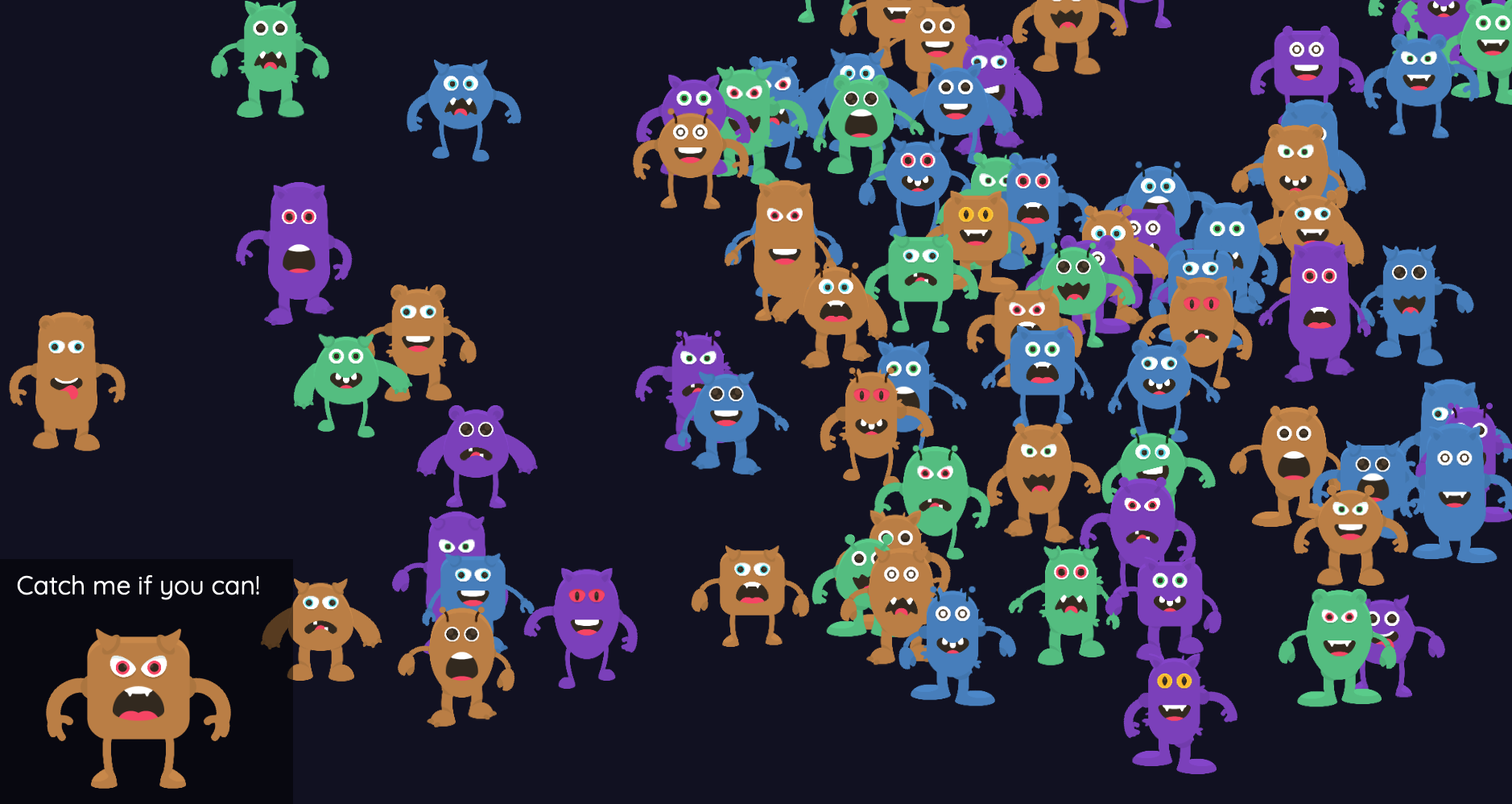
To demonstrate hotspots, we have created a Clicking Objects example where you uncover a monster in a crowd by clicking on them.
Frame Images (Nine Slices)
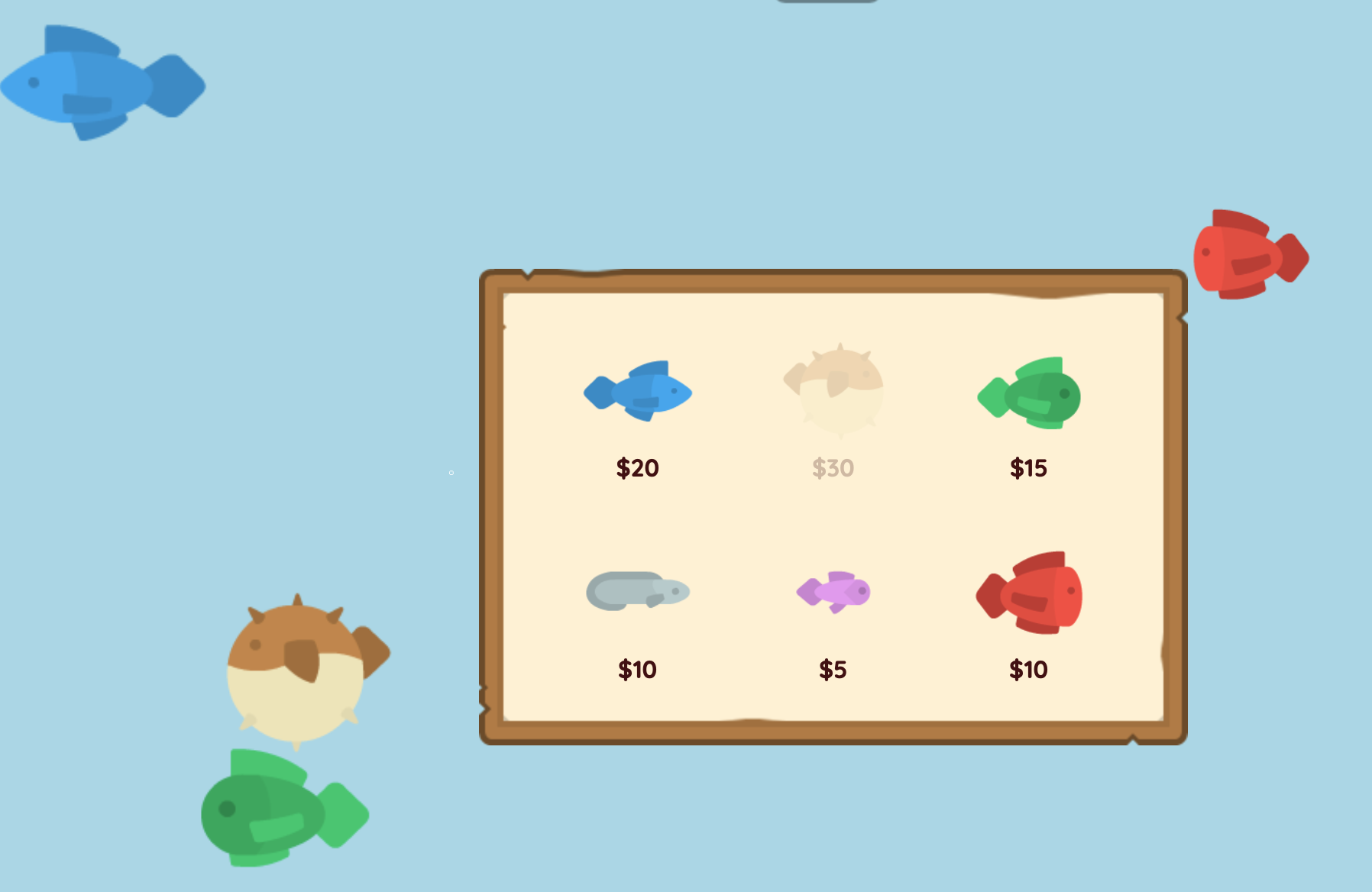
Let's say you're making a medieval-themed game, and you want your user interface to look like it was carved out of stone. Or you want to make a sci-fi game, and you want a metallic user interface with wires and lights. The new Frame Images feature let you stylize the panels and buttons with your own images.
The key is that it stretches images using nine-slicing, which allows a single image to expand to fit any size panel or button, while retaining their original look and feel. This is done by dividing the image into 9 parts, keeping the corners the same size while the edges and center are stretched/tiled to fit. Nine-slicing is a technique used everywhere in game development, and now you can use it in Easel too.

The new Shop example lets you buy fish for your aquarium. The shop panel is stylized with a Frame Image, making it fit perfectly in with the aesthetic of the game.
Fonts
Fonts are a big part of giving your game personality. A handwritten script font might make your game feel more personal, while a block sans-serif font with sharp angles might make your game feel more futuristic. You can now use your own fonts in Easel! See Fonts to learn more.
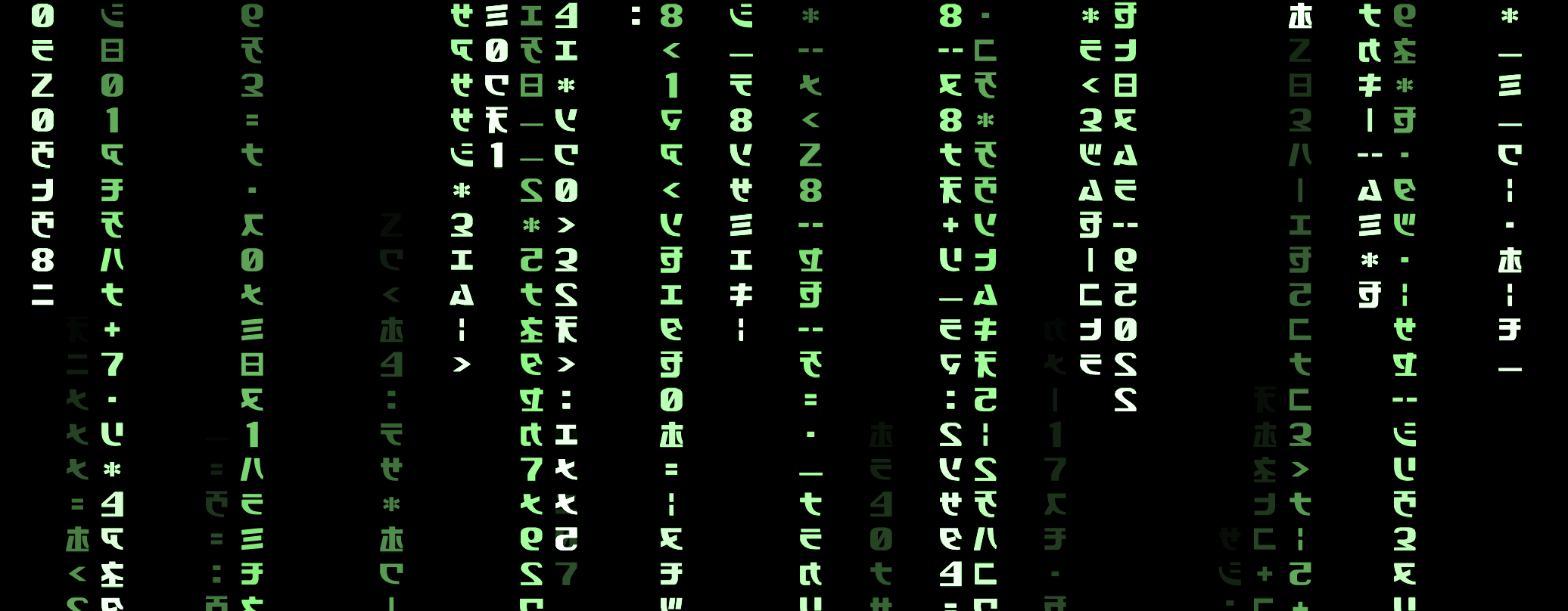
The new Fonts example shows you how to use a custom font to make the "green rain" effect from the Matrix, where text falls down the screen in a green color.
Strobes
The Strobe function lets you temporarily modify all sprites attached to an entity. It is great for effects like hit flashes which confirm to the player that their Galaxy Sword really did hit the Purple Slime. Strobes can be simpler than modifying each sprite individually, and work reliably when multiple strobes are applied to the same entity at once. Now you can do even more with strobes:
- The
growthparameter now can take a Vector like@(0.1, 0.2)to scale sprites differently in the x and y directions. For example, you could squash your hero vertically when someone jumps on them! - The new
rotateandshiftparameters provide new ways to modify the sprites. Make your hero shiver when hit with a blast of ice! - Instead of beginning at maximum strobe, the
swellparameter lets the strobe take time to reach its maximum before decaying. This can make your shivering seem more natural instead of being a violent agitation.
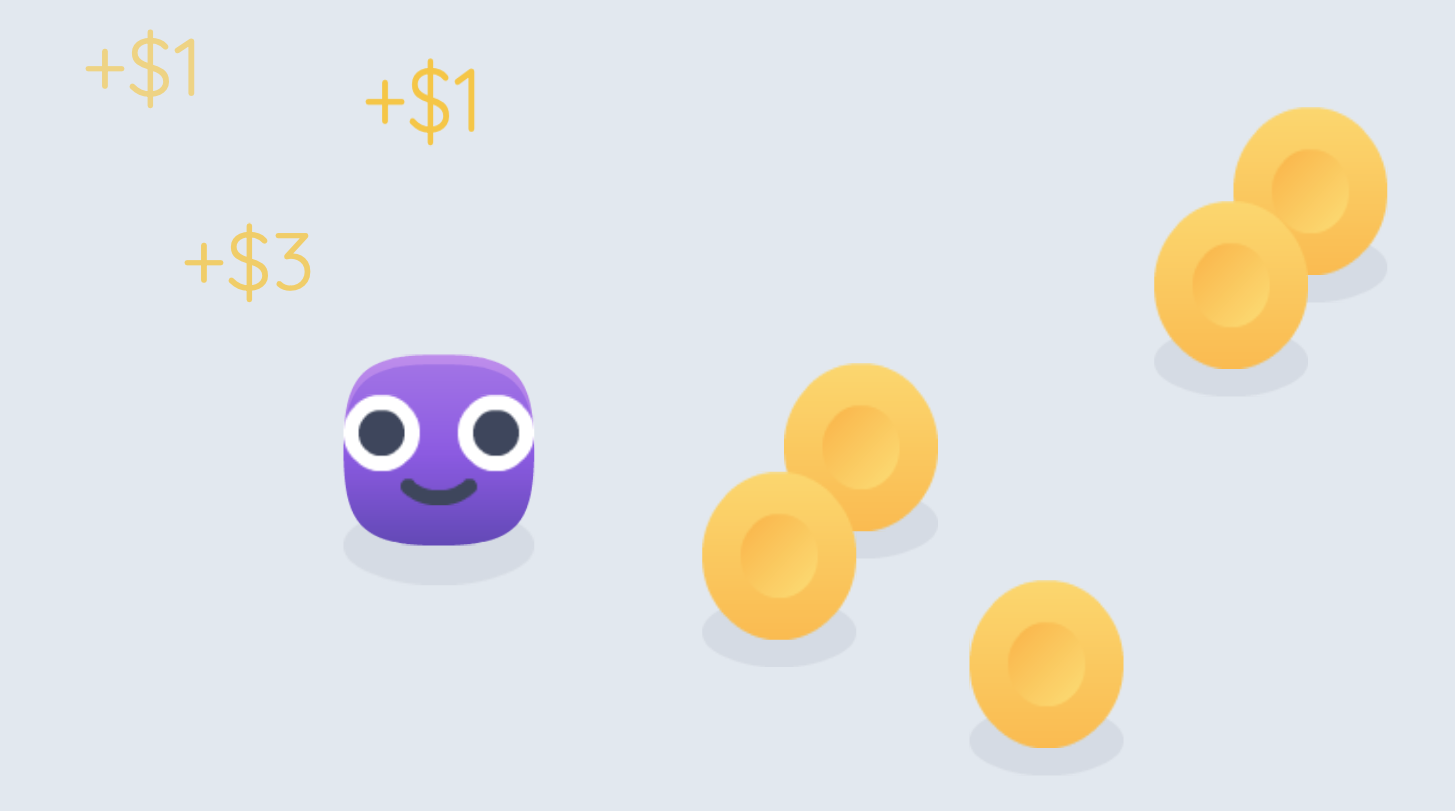
The new Coins example lets you play as a little Obloid whose greatest joy in life is to pick up coins. (Is he not but the common man?) He bloats with joy whenever he picks up a coin, and that is implemented using a Strobe!
Clipping vs Substepping
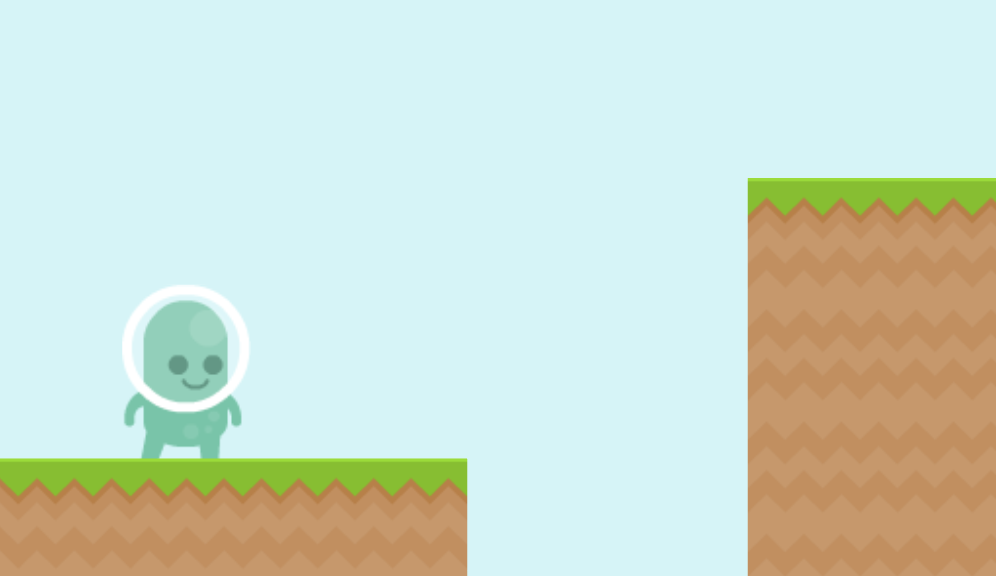
Easel's physics engine now supports clipping as well as substepping for continuous collision detection, which makes it even better at making 2D platformer games right out of the box. Easel takes care of these details so you never have to, but if you're curious about how the sausage is made to follow the laws of physics, read its dedicated blog post here.
The new Jumping example shows you how to make a character run and jump in a platformer game. It makes use of the improved continuous collision detection to make sure the hero lands perfectly level on the ground, without sinking into it, every time. Additionally, it teaches you all the tricks to make your platformer feel good, like coyote time and variable jump height. Go try it!
Move and Turn
Making your hero take a step is a surprisingly complex task.
The existing ForcefulStep and ForcefulTurn functions would use force to make your hero take a step or turn, which meant your hero would bounce off obstacles like a pinball when they hit them. Unless you're making Trampoline World 2: Electric Boogaloo, this wouldn't feel right for most games, and you would have to write extra code to remove this unwanted bounciness.
The new Move and Turn functions
let your entities take a step in a way that will not penetrate obstacles,
but also does not use force and so does not cause bounce back.
They are really just a shorthand for ForcefulStep(restitution=0) which was introduced recently,
but because this is such a common need, it is now a first-class function in Easel.
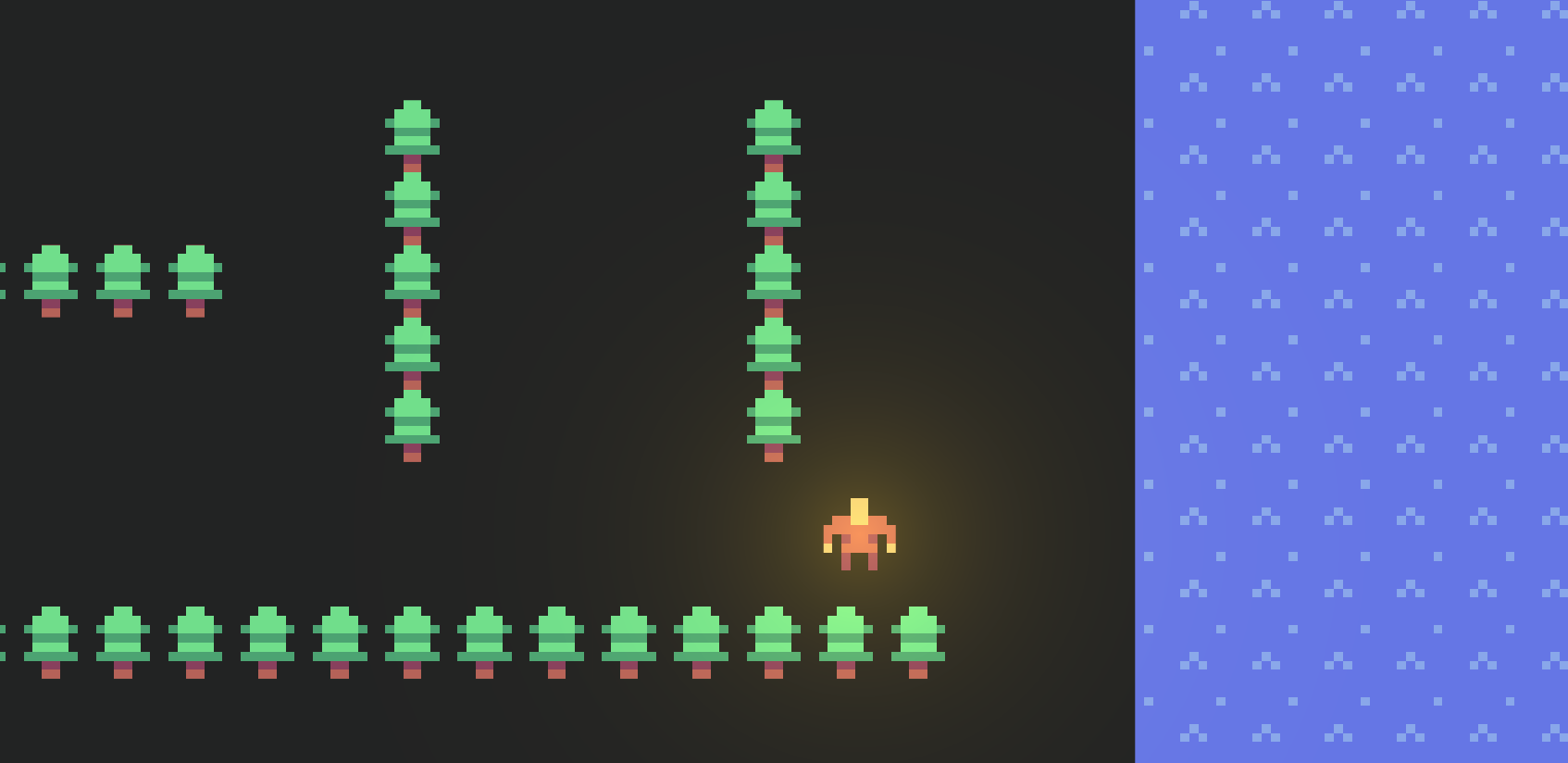
In the new Walls example, your hero is navigating through a forest labyrinth.
Thanks to Move, the hero can walk right up to a line of trees,
giving him a chance to admire their morning scent without ricocheting off of them
like a stone skipping across a lake.
Automatic Input Unification
Players often expect the WASD and Arrow Keys to be interchangeable. WASD is more comfortable for the left hand, whereas Arrow Keys are more comfortable for the right. Easel now automatically maps WASD to the Arrow Keys, if there are no other conflicting usages of WASD in your game.
For similar reasons, Easel now automatically maps the Arrow Keys to Joystick input, if there are no other conflicting usages of the Arrow Keys in your game.
This serves to reduce one more additional step that beginners have to learn before they can dive in and start making their game. It can be something you change later if you need, but for most games, it just works out of the box. See Input Unification > Automatic Unification to learn more.
The new Bots example lets you control a pirate ship and fire cannonballs at enemy ships. Even though the game itself is coded for joystick input, you can use either WASD, Arrow Keys, or a Joystick thanks to automatic input unification. The example also shows how to add bots to your game for those pesky times when you have the urge but can't find other humans to launch cannonballs at.
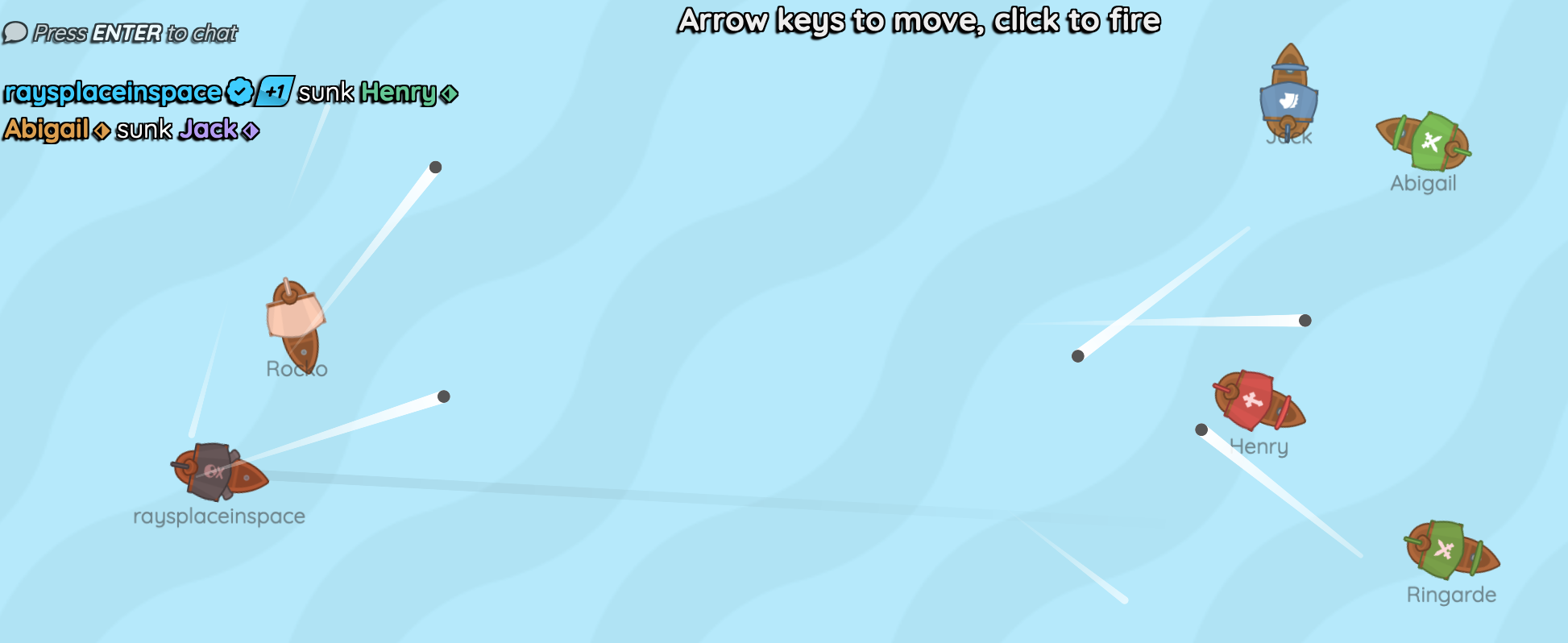
Image Anchor
The new imageAnchor parameter for ImageSprite makes it much easier
to rotate your images around a specific point.
For example, a picture of an arm can be rotated around the shoulder instead of the center of the image,
making this common task much easier to implement without being a Level 9000 mathlete.
Other Changes
That's not all! Here is the full list of changes for this month.
Images:
- The new ImagePanel and ImageButton variants let your images stand out without the default styling getting in the way. In particular, it removes the background color, shadow and hover glow which could conflict with your beautiful artwork.
- Individually delight every neuron of your player's retina with high-density images!
Now if your image filename has the suffix
@2xor@0.5x, Easel will automatically adjust the intrinsic size of the image to account for the pixel density. See Images > Pixel Density to learn more.
For pixel artisans:
- Image now takes a
sharpparameter so you can make images in the user interface also look pixelated if you are making a pixel art game. - A
sharpparameter is now supported in both the[ui]and[graphics]sections ofeasel.tomlso you can make your entire game look pixelated by default. See[ui]configuration or[graphics]configuration to learn more.
Physics:
- You can now use
sense=trueinstead ofsense=Category:Allfor PolygonCollider, making your code a bit simpler when you don't want to rock the boat, you just want to sense whether the boat is there.
User Interface:
- Use the new
vAlignparameter for Panel to let your messages stand proud and center in the middle of the panel instead of being stuck at the top.
Documentation:
- In the reference section, the color and styling of function signatures has been changed to make them visually distinct from example code blocks, making it easier to understand what you are seeing at a glance. See VolumeToggle for an example of this.
Performance:
- Texture pipeline improvements:
It turns out that the graphics pipeline was premultiplying, unpremultiplying then re-premultiplying the alpha, which was unnecessary and wasteful.
Easel now uses the WebGL
UNPACK_PREMULTIPLY_ALPHA_WEBGLsetting to turn this back-and-forth salsa dance into more of a surging tango straight into your GPU's heart, which should make your game run faster and smoother. - Linear sweeping algorithm: Easel's physics engine now uses a faster sweeping algorithm for continuous collision detection
when neither collider is rotating (
TurnRate == 0). It is common for side-view games to lock all bodies to an upright position (noRotation=true), so now when Dr Robotnik crashes his ship into his even bigger ship, it is approximately 70% more efficient. - Speculative contacts: Easel's physics engine now also considers colliders that are almost touching when calculating forces. This increases stability. Previously stacks of boxes might sometimes move in and out of contact very frequently at the microscopic level, causing jitter. Now they can lie still together just like sardines in a can (assuming the sardines are dead).
Thanks for being here!
Thanks to Kenney for providing the free assets used in the examples, and to you for your continued support of Easel! We hope you enjoy all the new features and improvements, and we can't wait to see what you create with Easel. Don't forget to check out the new Examples section of the documentation for more inspiration.
- If you haven't already, check out the game Finite Voyage made by Hannaz in just two days using Easel!